Wireless gaming earbuds: A BGMI tournament lost to audio lag
200ms is enough time for a BGMI fight to go wrong before the player knows it has started. Standard Bluetooth audio latency often sits between 150ms and 300ms.
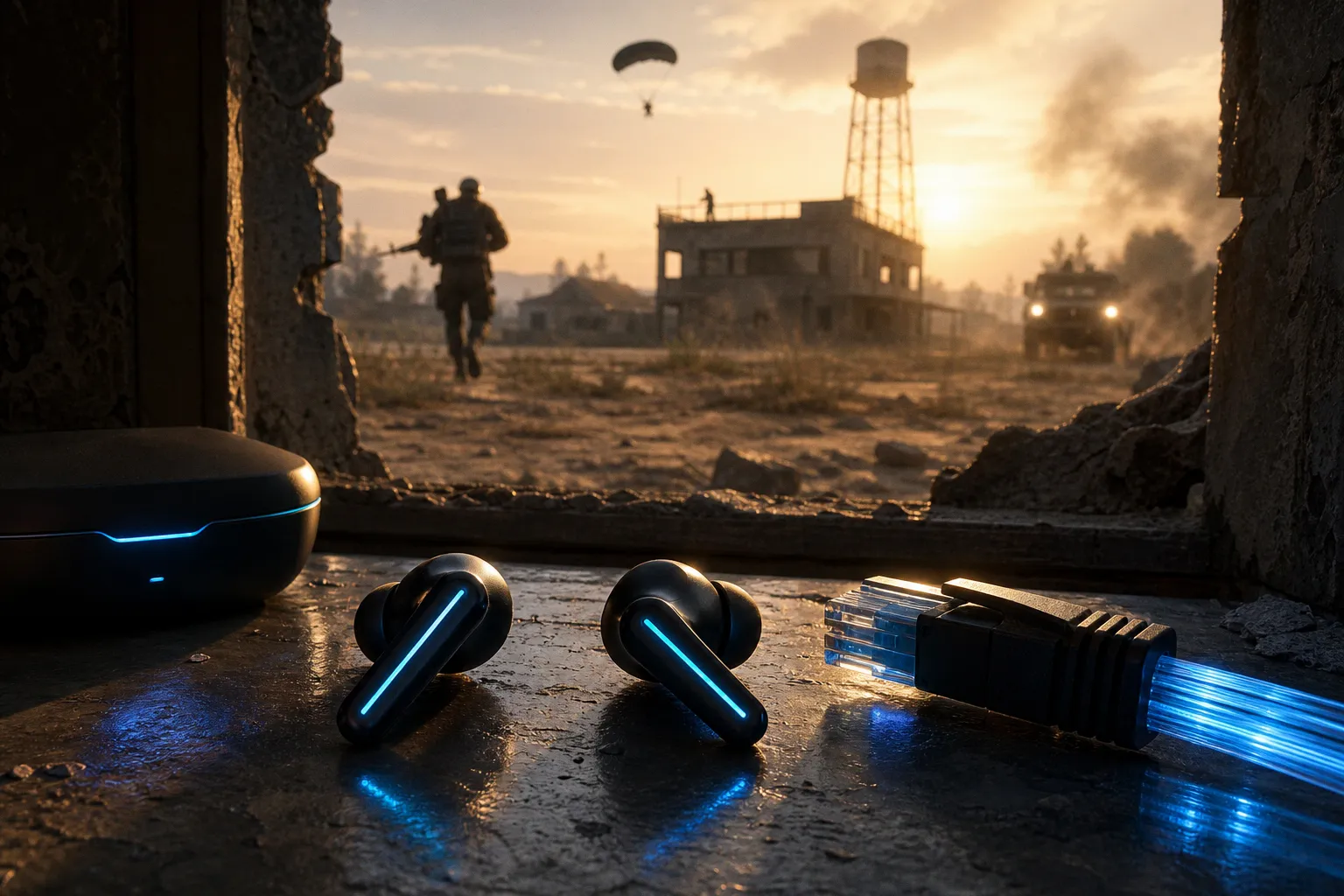
That is the core problem with wireless gaming earbuds. Not battery life. Not bass response. Not RGB. Latency. The Indian market is full of Bluetooth gaming earbuds India buyers are told can run at “50ms” or “ultra low latency”. Some can reduce delay sharply with a gaming mode. None should be treated like a wired headset in a serious BGMI lobby.
The physics of failure: why Bluetooth latency costs fights
BGMI is not a cinematic game where audio lag is merely annoying. It is a timing game. Footsteps, prone movement, vehicle direction, grenade pins, zone pressure, and third-party rotations all arrive as usable data. If the data is late, the decision is late.
A player holding the staircase in School Apartments does not need richer bass. They need the left-right cue to land in sync with the actual player model moving downstairs. If that cue arrives 180ms late, the defender may pre-aim the wrong corner or swing after the attacker has already cleared the angle.
Wireless gaming earbuds introduce delay because Bluetooth audio is not a straight wire. The phone encodes audio, buffers it, transmits it, the earbuds receive it, decode it, buffer it again, and then drive the speakers. Each stage adds time. For music, this is tolerable. For short-form video, phones can compensate by delaying the video feed. For live games, compensation is limited because the game state is interactive.
BGMI cannot simply delay the screen to match the earbuds. The player’s touch input, frame pacing, network state, and rendered action all need to stay responsive. Audio that arrives late is just late.
A delayed footstep is not bad sound. It is stale information.
The damage is not always obvious in casual play. A 200ms delay does not produce a broken, unusable experience. It produces small misreads. The enemy sounds one step behind. A gunshot direction feels slightly detached. A car seems farther away than it is. In ranked play, those small errors accumulate. In scrims, they become expensive.
Decoding the delay: standard Bluetooth vs. competitive threshold
The useful benchmark is not the number printed on the box. It is the gap between audio event and player reaction.
Standard Bluetooth latency typically ranges from 150ms to 300ms. That is normal for SBC and AAC playback. These codecs were not designed primarily for low-latency gaming. They are built for stable wireless audio across a wide range of phones and earbuds.
Competitive mobile gaming needs a different target. For BGMI, audio delay should stay below roughly 50ms to 60ms if footsteps and gunfire are expected to track the on-screen action cleanly. Below that threshold, most players can work with the delay. Above it, close-range audio starts to feel detached.
Wired headsets are still in another category. A 3.5mm connection usually sits under 10ms. In practical terms, it is near-instant for gameplay. USB-C wired audio can also be very low, though adapters and phone implementation can vary.
| Audio setup | Typical latency range | BGMI impact | Tournament suitability |
|---|---|---|---|
| Standard Bluetooth earbuds on SBC/AAC | 150ms–300ms | Footsteps and shots arrive late; close fights suffer | Poor |
| TWS earbuds with gaming mode | 60ms–90ms | Usable for casual ranked play; still not wired-level | Limited |
| Low-latency codec support such as aptX Low Latency or LC3 | Lower than standard Bluetooth when supported correctly | Better sync, dependent on phone and earbuds | Conditional |
| Wired 3.5mm headset | Under 10ms | Audio tracks game events tightly | Strong |
This table is where many product pages become slippery. A brand may advertise “50ms low latency” on the retail page, but that number is often measured in a controlled lab condition. It may depend on a specific phone, a specific mode, a short distance, a clean wireless environment, and fresh battery state. It may not reflect a crowded room with multiple devices, packet retransmission, and a phone running hot after two hours of BGMI.
The other issue is end-to-end latency. Some advertised figures refer only to part of the audio chain. The player does not hear partial latency. The player hears the total system delay: game engine output, operating system audio handling, Bluetooth encoding, wireless transmission, earbud decoding, and driver response.
That total is what decides whether the enemy on the staircase sounds current or historical.
“Gaming Mode” is not magic. It is buffer management.
Gaming Mode on wireless gaming earbuds usually does one of three things. It reduces buffer size. It changes the transmission behaviour. Or it applies a proprietary low-latency path between the earbuds and the phone.
The result can be real. Many gaming-branded TWS models in India claim figures in the 50ms to 60ms range, and practical performance for better units often lands closer to 60ms to 90ms than to standard Bluetooth delay. That is a meaningful drop from 200ms. It can make BGMI playable in a way normal Bluetooth mode cannot.
But there is a cost. Smaller buffers mean less protection against dropouts. More aggressive compression can reduce audio detail. The earbuds may prioritise response over stability. In noisy radio environments, the signal can stutter. A stutter during music is irritating. A stutter during a squad push is a lost read.
The better question is not whether Gaming Mode exists. It is what the mode sacrifices.
Look for these behaviours during actual gameplay, not on the spec sheet:
1. Footstep sync in tight spaces. Boot Camp, Apartments, and Pochinki interiors expose delay quickly. If the sound position feels behind the enemy movement, the earbuds are not fast enough for serious play.
2. Directional consistency under gunfire. Some TWS models hold latency reasonably well until multiple loud effects overlap. Then the mix compresses, and direction becomes vague. That is bad for third-party awareness.
3. Dropouts during Wi-Fi and Bluetooth congestion. A tournament room, college LAN, or gaming café is hostile to weak wireless implementation. Do not test only in a quiet bedroom.
4. Latency drift over long sessions. Some earbuds start clean and become less consistent as battery drops or the phone heats up. BGMI does not care about a five-minute demo.
5. Mode switching delay. If Gaming Mode must be toggled manually every time, verify it stays active after reconnection. Several budget TWS products reset to music mode without making that obvious.
This is where low latency earbuds separate from earbuds that merely carry a gaming label. A stable 75ms is more useful than a claimed 45ms that crackles or drifts.
Codecs matter, but phone support matters more
SBC and AAC are common. They are also the wrong tools for competitive mobile audio. Their latency is too high for reliable BGMI timing. AAC can sound clean on some phones, but clean audio is not the same as fast audio.
aptX Low Latency was designed to reduce delay significantly, but support is not universal on modern phones and earbuds. LC3, introduced with Bluetooth LE Audio, is more efficient and can help improve wireless audio behaviour, but the full benefit depends on both ends of the chain supporting the correct implementation. A phone with weak Bluetooth handling will not turn budget earbuds into tournament-grade gear.
This matters in India because the same earbuds can behave differently across devices. A Snapdragon-based phone with stronger Bluetooth audio support may produce better results than a cheaper handset using a basic wireless stack. Even then, the manufacturer’s number is not a guarantee.
The unknown variable is the full chain. Phone chipset. Android version. Game mode software. Bluetooth codec negotiation. Earbud firmware. Battery level. RF noise. These are not marketing bullet points. They are the system.
For BGMI players shopping for the best earbuds for BGMI, codec labels are useful only after two questions are answered:
- Does the phone actually support the low-latency codec the earbuds advertise?
- Does BGMI audio remain synced during real matches, not just in a YouTube latency test?
If the answer to either is unclear, assume the product is casual-grade until proven otherwise.
Why wired still wins in esports
Wired headsets are boring. That is a feature.
A wired 3.5mm headset avoids Bluetooth encoding, transmission, and buffering. The latency is typically under 10ms. There is no pairing negotiation. No Gaming Mode toggle. No battery drop. No codec mismatch. No random TWS desync between left and right buds.
This is why wired audio remains the standard for professional-level esports tournaments. Not because wired hardware is glamorous. Because it removes variables.
Mobile esports already has enough instability. Frame drops under thermal throttling. Touch sampling inconsistencies. Network jitter. Gyro calibration. Background process spikes. Adding Bluetooth latency to that stack is a poor trade when the match depends on fast reads.
A player using a modern gaming phone at 90fps or 120fps may have strong visual response. But if the audio is 150ms late, the system is uneven. One part of the setup is fast. Another is dragging behind.
That mismatch changes behaviour. Players over-peek because they hear pushes late. They pre-fire after the opponent has crossed. They misjudge grenade timing. They call rotations with outdated audio. None of this appears in the damage chart as “Bluetooth error”. It just looks like poor decision-making.
Wireless convenience is easy to measure in comfort. Its cost is measured in late reactions.
There is also a broadcast and admin angle. Tournaments need predictable setups. Wired audio is easier to inspect and control. Wireless devices can suffer interference, pairing conflicts, and battery failures. Those are unnecessary failure points in a competitive environment.
For casual players, wireless gaming earbuds can be acceptable. For tournament play, they remain a compromise.
The Indian market problem: lab-tested claims vs. BGMI reality
The budget TWS market in India has become aggressive. Product pages advertise 40ms, 50ms, 60ms, “ultra low latency”, dedicated Gaming Mode, quad mics, environmental noise cancellation, long battery life, and boosted bass. The price points are attractive. The claims need discipline.
The phrase “low latency” does not have one strict consumer meaning across all brands. One company may measure one-way audio transmission under ideal conditions. Another may quote an internal chip figure. Another may test with a proprietary app. The BGMI player experiences none of those isolated metrics. The player experiences end-to-end delay inside a live match.
There is also a tuning problem. Many gaming earbuds boost bass because it sounds impressive in a demo. BGMI does not benefit from muddy low-end. Heavy bass can mask footstep detail, especially in compounds where multiple players are moving. The useful tuning is controlled low-end, clear mids, and stable imaging. Not a vibrating shell.
Mic quality is another distraction. A decent microphone helps squad comms, but it does not fix mobile gaming audio lag. Environmental noise cancellation on calls is not the same as low-latency game audio. Brands often mix these features together in one sales block. They solve different problems.
For BGMI, the evaluation should be narrow:
| Claim on box | What it may mean | What to verify in BGMI |
|---|---|---|
| “50ms low latency” | Lab figure in Gaming Mode | Does footstep timing stay consistent in hot drops? |
| “Gaming Mode” | Smaller buffers or proprietary transmission | Any crackle, dropout, or audio drift after 30 minutes? |
| “Deep bass” | Boosted low frequencies | Are footsteps masked during gunfights? |
| “ENC mic” | Noise reduction for calls | Do squad comms stay clear while game audio is active? |
| “Bluetooth 5.x” | Wireless protocol version | Does the phone negotiate a useful low-latency path? |
This is not anti-wireless. It is anti-vague. A good pair of wireless gaming earbuds can be practical for ranked matches, travel, and casual sessions. The problem starts when they are sold as direct replacements for wired esports audio.
The useful buying approach is simple. Treat the advertised latency as a best-case floor, not a normal operating value. If a product claims 50ms, expect real BGMI performance to vary. If it lands in the 60ms to 90ms range and remains stable, it may be acceptable for non-tournament play. If it behaves like standard Bluetooth at 150ms or above, it is not a competitive audio device.
How to test before trusting them in ranked
A clean test does not require lab equipment. It requires repeatable conditions and some skepticism.
First, test with Gaming Mode off. Then turn it on. The difference should be obvious. If there is no clear improvement in footstep sync, the mode is either weak or not enabled correctly.
Second, test in locations where audio matters. Training ground shooting is not enough. Use compounds, staircases, and close corridors. Have a teammate move left-right, sprint, crouch, vault, and reload behind cover. Watch whether the sound follows the action or trails it.
Third, test after heat builds. Play at least three matches. A phone under thermal load can behave differently. Frame pacing may fluctuate. Bluetooth stability may change. Earbuds with low battery may also shift behaviour.
Fourth, test voice comms at the same time. Some earbuds alter audio mode when the microphone is active. That can reduce game audio quality or change latency. BGMI is a squad game. Testing audio without comms is incomplete.
Fifth, compare against a basic wired headset. Not an expensive one. Any competent wired pair gives a reference for timing. If the TWS feels vague immediately after switching from wired, the gap is not imagined. It is the Bluetooth chain showing up.
A practical BGMI audio test should answer four questions:
- Are footsteps directionally stable in buildings?
- Does gunfire direction match the screen without delay?
- Does latency remain consistent after long play?
- Does enabling the mic degrade game audio?
If the earbuds fail two of those, they are not reliable for competitive use.
Buy or skip verdict
Buy wireless gaming earbuds for BGMI only if the role is clear. They are fine for casual ranked sessions, commuting, content watching, and light grinding where convenience matters more than strict timing. A well-implemented Gaming Mode that holds around 60ms to 90ms can be usable. Not perfect. Usable.
Skip them for tournaments, serious scrims, or any match environment where one late footstep can decide the round. Wired still wins on latency, stability, and repeatability. Under 10ms is not a branding argument. It is a measurable advantage.
The price-to-performance verdict is blunt. Budget wireless gaming earbuds make sense below the point where convenience is the main purchase reason. Once the buyer is paying specifically for competitive BGMI performance, wired headsets remain the better spend. Low latency marketing has improved. Bluetooth physics has not disappeared.